URL Parameters vs Query Strings in Express.js
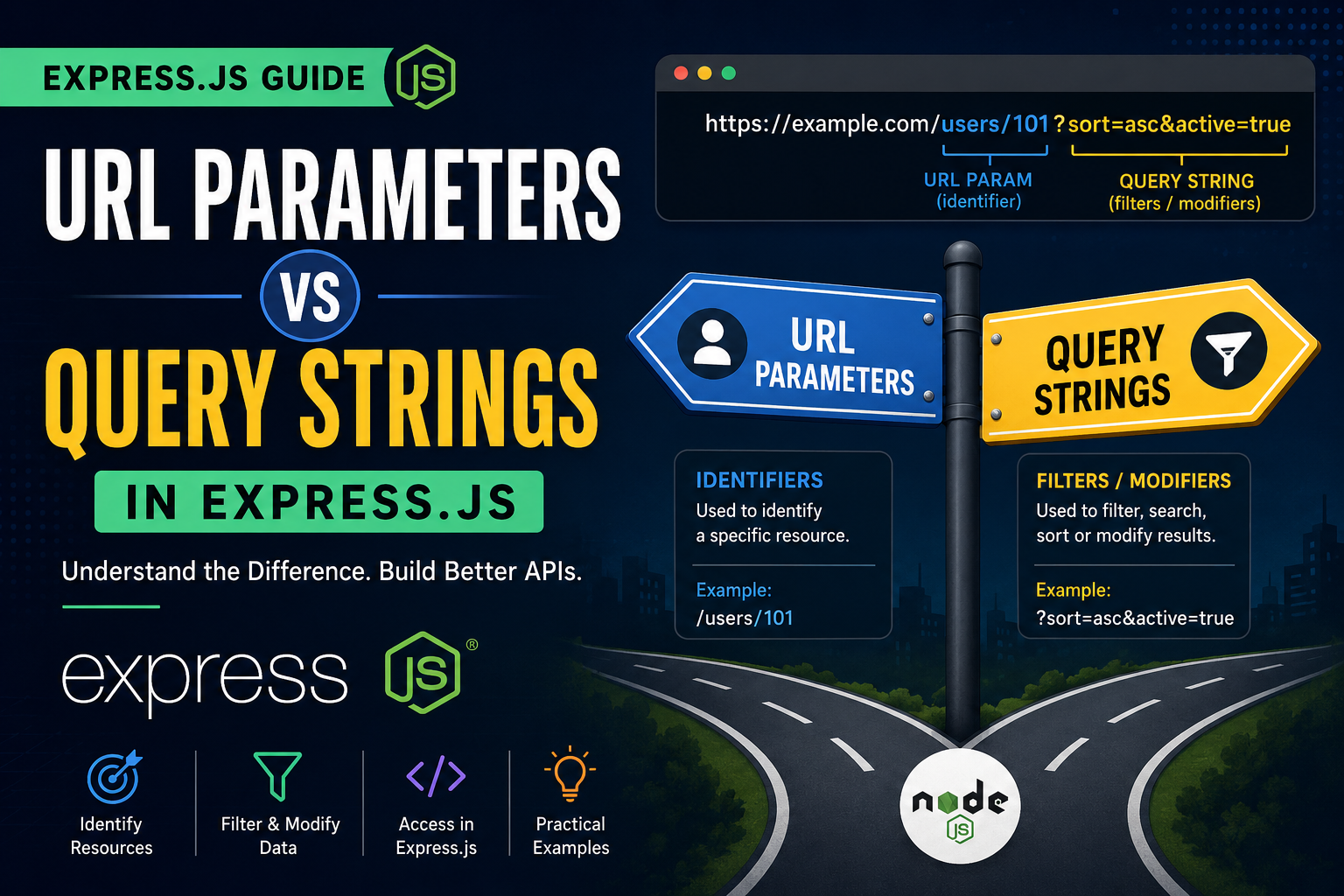
Introduction
When building web applications using Express.js, one of the most important concepts you will work with is handling data from URLs. Whether you're creating user profiles, search pages, e-commerce filters, or APIs, understanding URL Parameters and Query Strings is essential.
Both are used to send information through the URL, but they serve different purposes.
In this blog, we will learn:
What URL parameters are
What query parameters are
Differences between them
How to access them in Express.js
When to use params vs query strings
Real-world practical examples
Understanding URL Structure
Before diving deeper, let’s understand a typical URL structure.
https://example.com/users/101?sort=asc&active=true
Breakdown:
| Part | Meaning |
|---|---|
https:// |
Protocol |
example.com |
Domain |
/users/101 |
URL Path |
101 |
URL Parameter |
?sort=asc&active=true |
Query String |
What are URL Parameters?
URL Parameters (also called Route Parameters) are dynamic values passed inside the URL path.
They are mainly used to identify a specific resource.
Example
/users/101
Here:
users→ route101→ parameter value
The 101 usually represents a unique identifier like:
User ID
Product ID
Order ID
Why Use URL Parameters?
URL parameters are used when you want to:
Access a specific resource
Identify something uniquely
Create clean REST APIs
Real-Life Examples
| Example URL | Meaning |
|---|---|
/users/101 |
Fetch user with ID 101 |
/products/55 |
Fetch product with ID 55 |
/orders/9001 |
Fetch order 9001 |
Accessing URL Parameters in Express.js
Express provides req.params to access route parameters.
Example Code
const express = require('express');
const app = express();

app.get('/users/:id', (req, res) => {

    const userId = req.params.id;

    res.send(`User ID is: ${userId}`);
});

app.listen(3000, () => {
    console.log('Server running on port 3000');
});
URL
http://localhost:3000/users/101
Output
User ID is: 101
Multiple URL Parameters
You can also use multiple parameters.
Example
app.get('/users/:userId/posts/:postId', (req, res) => {

    const userId = req.params.userId;
    const postId = req.params.postId;

    res.send(`User: \({userId}, Post: \){postId}`);
});
URL
/users/10/posts/500
Output
User: 10, Post: 500
What are Query Strings?
Query strings are additional values passed after a ? in the URL.
They are mainly used for:
Filtering
Searching
Sorting
Pagination
Optional settings
Structure of Query Strings
/search?keyword=laptop&brand=dell
Breakdown:
| Query Key | Value |
|---|---|
keyword |
laptop |
brand |
dell |
Why Use Query Strings?
Query strings are useful when:
Data is optional
Multiple filters are needed
You want to modify results
Real-Life Examples
| Example URL | Purpose |
|---|---|
/products?category=mobile |
Filter products |
/search?q=nodejs |
Search data |
/users?page=2 |
Pagination |
/products?sort=price |
Sorting |
Accessing Query Strings in Express.js
Express provides req.query to access query parameters.
Example Code
const express = require('express');
const app = express();

app.get('/search', (req, res) => {

    const keyword = req.query.keyword;
    const category = req.query.category;

    res.send(`Keyword: \({keyword}, Category: \){category}`);
});

app.listen(3000, () => {
    console.log('Server running on port 3000');
});
URL
http://localhost:3000/search?keyword=laptop&category=electronics
Output
Keyword: laptop, Category: electronics
Multiple Query Parameters
You can pass multiple query values.
Example
/products?category=mobile&brand=samsung&sort=price
This URL can:
Filter by category
Filter by brand
Sort by price
Difference Between URL Parameters and Query Strings
| Feature | URL Parameters | Query Strings |
|---|---|---|
| Position | Inside URL path | After ? |
| Purpose | Identify resource | Filter or modify data |
| Required | Usually required | Usually optional |
| SEO Friendly | More SEO-friendly | Less SEO-friendly |
| Example | /users/101 |
/users?page=2 |
Params vs Query — Easy Understanding
URL Params = Identifiers
Think of params as a unique identity.
Example:
/users/101
Meaning:
"Give me the user whose ID is 101"
Query Strings = Filters or Modifiers
Think of query strings as options.
Example:
/products?category=mobile&sort=price
Meaning:
"Show products filtered by category and sorted by price"
Practical Comparison
Using Params
/products/55
This fetches one specific product.
Using Query
/products?category=electronics
This filters products by category.
Combining Params and Query Strings
You can use both together.
Example URL
/users/101/posts?page=2
Here:
101→ URL parameterpage=2→ query string
Express Example
app.get('/users/:id/posts', (req, res) => {

    const userId = req.params.id;
    const page = req.query.page;

    res.send(`User ID: \({userId}, Page: \){page}`);
});
When to Use URL Parameters
Use params when:
Resource must be uniquely identified
Creating REST APIs
Accessing specific records
Examples
/users/101
/products/20
/orders/500
When to Use Query Strings
Use query strings when:
Filtering data
Searching
Sorting
Pagination
Optional settings
Examples
/products?category=shoes
/search?q=expressjs
/users?page=3
Common Mistakes Beginners Make
1. Using Query Instead of Params for IDs
❌ Wrong
/users?id=101
✅ Better
/users/101
2. Using Params for Filters
❌ Wrong
/products/electronics
✅ Better
/products?category=electronics
Best Practices
Use Params For
IDs
Unique resources
REST API endpoints
Use Query Strings For
Search
Filters
Sorting
Pagination
Simple Memory Trick
Params → "WHO"
Used to identify who or what.
Example:
/users/101
Query → "HOW"
Used to decide how data should appear.
Example:
/products?sort=price
Diagram Idea 1 — URL Breakdown
https://example.com/users/101?sort=asc
                     |      |
                  Param   Query
Diagram Idea 2 — Params vs Query
/users/101
   |
Identifier

/products?category=mobile
            |
         Filter
Conclusion
Both URL Parameters and Query Strings are extremely important in Express.js development.
Understanding the difference helps you:
Build clean APIs
Design better routes
Improve readability
Follow REST principles
Final Summary
| Use Case | Best Choice |
|---|---|
| User ID | Params |
| Product Search | Query |
| Pagination | Query |
| Unique Resource | Params |
| Sorting | Query |
Final Thoughts
If you are learning backend development with Node.js and Express.js, mastering params and query strings is a foundational skill.
Whenever building routes, ask yourself:
"Am I identifying a resource or filtering data?"
Identifying → Use Params
Filtering/Modifying → Use Query Strings
That simple rule will help you design better APIs every time.
Thank You
If you found this blog useful, feel free to share it and connect with me for more web development content.